Best AI Photo Editing Prompts for Gemini and ChatGPT
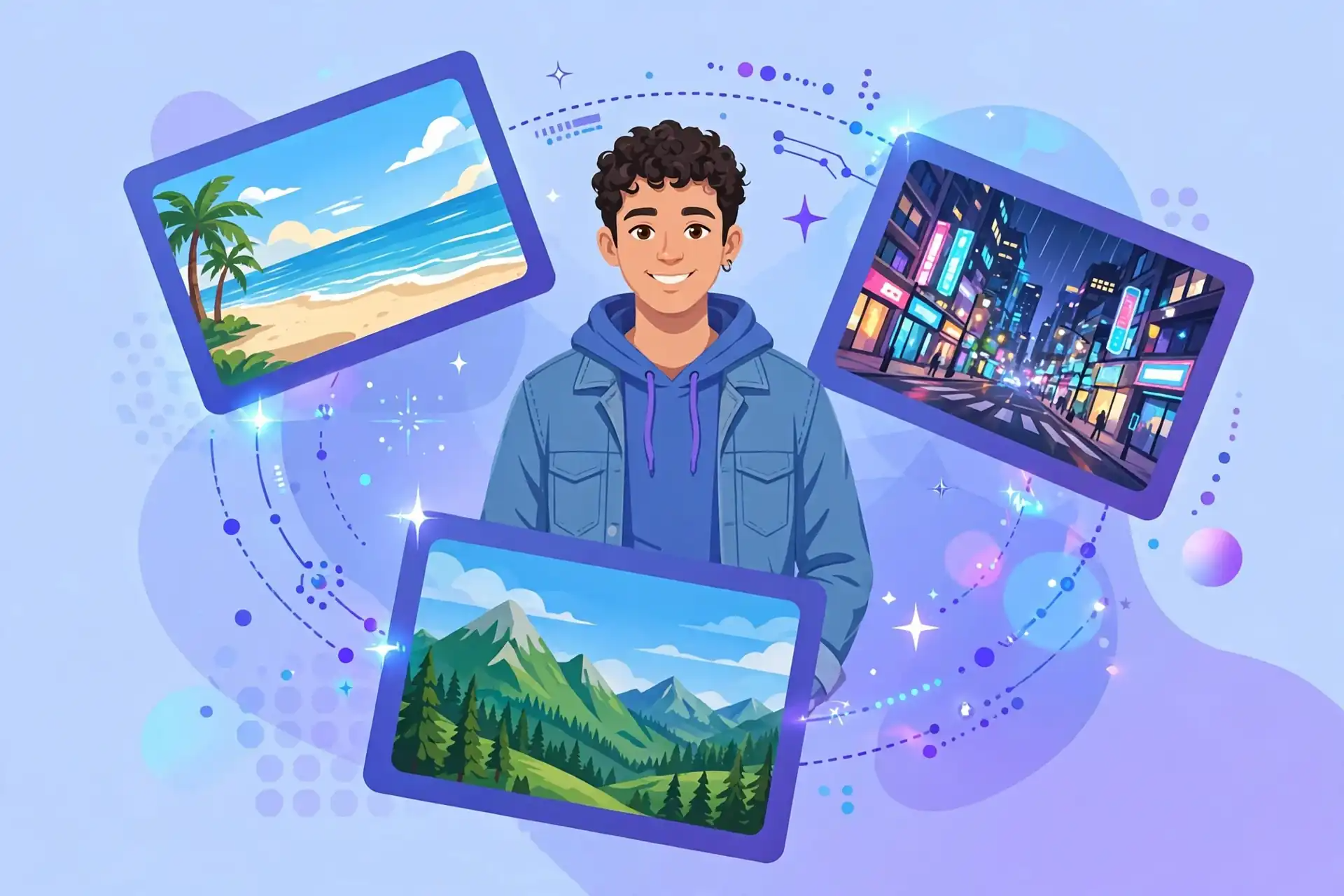
Do you want to make your simple photo look amazing? You do not need a big camera or costly software. You only need one good photo and the right words.
Those right words are called AI photo editing prompts. A prompt is a short line of text. You give it to an AI tool, and the tool edits your photo for you. It can change the background, fix the light, or turn your photo into a cartoon or an old film photo.
In this guide, you will get 24 copy and paste prompts. They work in Google Gemini and ChatGPT. Every prompt is written in simple words. Just copy a prompt, paste it with your photo, and see the magic.
What Is an AI Photo Editing Prompt?
An AI photo editing prompt is a small order that you give to an AI tool. It is like telling a photo studio, “Make my photo bright and remove the people behind me.” The AI does the same job, but fast and free.
Tools like Gemini AI and ChatGPT can read your photo and understand your words. Gemini’s image tool is also called Nano Banana. It became famous because it keeps your face the same while it changes everything else.
A good prompt has three things: what to change (the background), what style you want (cinematic, cartoon), and what must NOT change (your face). All 24 prompts in this list already have these three things. You only copy and paste.
How to Use These Prompts in Gemini (Step by Step)
Gemini is Google’s AI tool, and its photo editing is free with daily limits. Follow these steps:
- Open the Gemini app or website and sign in.
- Tap the + button and upload a clear photo.
- Copy any prompt from this page and paste it in the chat box.
- Press send and wait a few seconds.
- Your new photo is ready. Tap it and download it.
If you do not like the result, do not start again. Write one small line, like “make the light softer,” and the tool will fix only that part.
How to Use These Prompts in ChatGPT (Step by Step)
Many people search for chatgpt ai photo editing prompts. The good news is that the same prompts work there too.
- Open ChatGPT and sign in.
- Tap the + button and upload your photo.
- Paste the prompt, press send, and download the edited photo.
The free plan gives a few image edits per day, so use your best photos first. If you get stuck, Google has official help on the Gemini Help pages.
The Golden Rule: Always Add This One Line
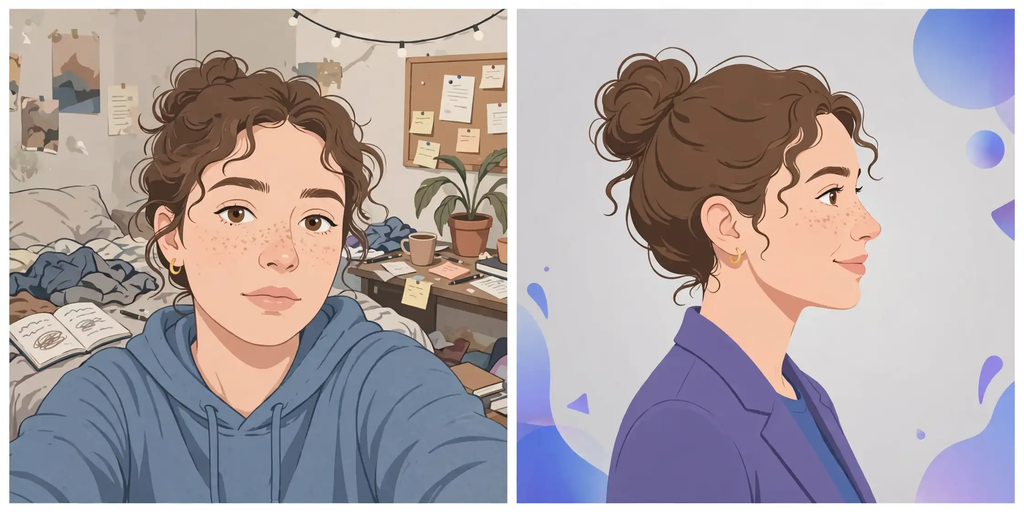
AI tools sometimes change your face a little. To stay safe, end every prompt with this line:
Keep my face, expression, and hairstyle exactly the same.
This one line is the secret behind every good gemini ai photo prompt on the internet. Your face stays yours. Only the photo around you changes.
Best AI Photo Editing Prompts for Profile Pictures and Portraits
A good profile picture, or DP, is the first thing people see on WhatsApp, Facebook, and Instagram. These prompts make your photo look clean and professional.
Prompt 1: Clean Studio DP
“Make this photo a clean studio portrait. Soft grey background, soft light on my face, natural skin, sharp like a DSLR photo. Keep my face, expression, and hairstyle exactly the same.”
Prompt 2: Passport Style Photo
“Turn this photo into a formal passport style photo. Plain white background, bright even light, no face shadows. Keep my face, expression, and hairstyle exactly the same.”
Prompt 3: LinkedIn Look
“Edit this photo into a professional LinkedIn profile picture. Blurred office background, smart look, soft daylight. Keep my face, expression, and hairstyle exactly the same.”
Prompt 4: Black Suit Look
“Change my clothes to a smart black suit with a white shirt. Keep the background simple and dark. Make it look like a premium studio photo. Keep my face, expression, and hairstyle exactly the same.”
Prompt 5: Soft Beauty Light
“Improve the light in this photo. Soft golden hour light, warm and natural. Remove small skin spots but keep the skin real. Keep my face, expression, and hairstyle exactly the same.”
AI Photo Editing Prompts to Change the Background
Background change is the most loved AI edit. In one click, you can stand in Paris, in the mountains, or at the beach.
Prompt 6: Beach Background
“Change the background of this photo to a sunny beach with blue sea and white clouds. Match the light on me with the background. Keep my face, expression, and hairstyle exactly the same.”
Prompt 7: City Night Lights
“Change the background to a city street at night with soft colorful lights, a little blurry like a real camera photo. Keep my face, expression, and hairstyle exactly the same.”
Prompt 8: Mountain View
“Put me in front of big green mountains and a small lake. Morning light, fresh colors. Keep my face, expression, and hairstyle exactly the same.”
Prompt 9: Remove People Behind Me
“Remove all people and extra things from the background of this photo. Fill the space in a natural way. Keep my face, expression, and hairstyle exactly the same.”
Trending Style Prompts: 90s Film, Cinematic, Cartoon and More
Every month, a new photo style goes viral. Many viral gemini ai photo editing prompts on social media are small changes of these six prompts.
Prompt 10: 90s Film Look
“Turn this photo into a 90s film photo. Soft colors, a little grain, and an old camera feeling. Keep my face, expression, and hairstyle exactly the same.”
Prompt 11: Cinematic Movie Look
“Make this photo look like a scene from a movie. Dark soft colors, strong light and shadow, and a serious mood. Keep my face, expression, and hairstyle exactly the same.”
Prompt 12: Cartoon Style
“Turn me into a cute cartoon character in a bright cartoon world. Keep my face easy to recognize. Same clothes, same pose, cartoon style.”
Prompt 13: 3D Toy Figure
“Turn me into a small 3D toy figure in a toy box, like a collectible action figure. Keep my face and clothes the same.”
Prompt 14: Black and White Classic
“Make this photo black and white, classic and timeless. Strong contrast, deep blacks, and a clean look. Keep my face, expression, and hairstyle exactly the same.”
Prompts to Restore and Fix Old Photos
Old family photos are gold, but they are often torn, faded, or black and white. AI can fix them in seconds.
Prompt 15: Restore Old Photo
“Restore this old photo. Remove scratches, spots, and tears. Fix faded colors and make the faces clear. Do not change the faces or the clothes.”
Prompt 16: Colorize Black and White Photo
“Add natural colors to this black and white photo. Real skin and cloth colors, like a photo taken today. Do not change the faces.”
Prompt 17: Sharpen a Blurry Photo
“This photo is blurry. Make it sharp and clear. Fix the faces with care and keep every person the same.”
Prompts for Product Photos and Online Selling
If you sell anything online, good product photos mean more sales. These prompts make a simple phone photo look like a studio shot.
Prompt 18: Clean Product Shot
“Put this product on a clean white background with a soft shadow. Bright studio light, sharp details, nothing extra. Keep the product, its shape, and its colors exactly the same.”
Prompt 19: Kitchen Table Style
“Show this product on a clean wooden kitchen table with soft morning light and a simple plant in the back. Keep the product exactly the same.”
Prompt 20: Premium Ad Look
“Make an ad style photo of this product. Dark background, one strong light from the side, rich premium feeling. Keep the product, label, and colors exactly the same.”

Prompts for Social Media Posts
Prompt 21: Instagram Travel Post
“Make this photo a bright travel post for Instagram. Rich colors, blue sky, happy holiday feeling. Keep my face, expression, and hairstyle exactly the same.”
Prompt 22: Festival Lights
“Add warm festival lights in the background, like an evening fair. Golden light, happy mood. Keep my face, expression, and hairstyle exactly the same.”
Prompt 23: Sunset DP
“Make this photo at sunset time. Orange and pink sky, warm light on my face. Keep my face, expression, and hairstyle exactly the same.”
Prompt 24: Magazine Cover
“Turn this photo into a fashion magazine cover photo. Clean background, bold light, premium look. Keep my face, expression, and hairstyle exactly the same.”
7 Simple Tips for Better Results
1. Start with a clear photo. AI works best on a bright, sharp photo. A dark, shaky photo gives a weak result.
2. Use a front facing photo. For DP edits, a photo where your face looks at the camera works best.
3. Change one thing at a time. First change the background. Then change the light. Small steps give clean results.
4. Always add the golden line. End every prompt with “Keep my face, expression, and hairstyle exactly the same.” It is the most useful line in all chatgpt photo editing prompts and Gemini prompts.
5. Write simple and clear words. Short lines work better than long, difficult lines. The AI understands simple orders best.
6. Try two or three times. The same prompt gives a new result every time. Generate again and pick the best one.
7. Use the right app for the job. Gemini (Nano Banana) keeps your face the same. ChatGPT is great for creative styles. For more tools, read our guide to the best AI photo editing apps for Android.

Common Mistakes to Avoid
Mistake 1: A very long and messy prompt. Say what to change, the style, and what must stay the same. Nothing more.
Mistake 2: A group photo for a DP edit. The AI can mix faces in group photos. Use a single person photo.
Mistake 3: Forgetting the face line. Without it, the AI may give you a new face that is not yours.
Mistake 4: Editing very private photos. These tools work on company servers. Do not upload ID cards or documents. Normal selfies and travel photos are fine.
Mistake 5: Sharing an edited photo as a real photo. Editing is fun, but never use an AI photo to fool people or for official work. Use your real photo there.
Is AI Photo Editing Free?
Yes, mostly. Gemini gives free editing every day with a daily limit, and gemini ai photo editing works in the free app. ChatGPT also gives some free edits per day. Paid plans give more, but free is enough for most people.
One honest note: AI photos are not perfect. Hands can look wrong, and text can have wrong spelling. Check every result before you share it.
Frequently Asked Questions
What is the best AI tool for photo editing, Gemini or ChatGPT?
Both are good. Gemini is best when you want your face to stay the same. ChatGPT is best for creative styles like cartoons and posters. Try both and keep the one you like.
Why does the AI change my face?
The AI draws the photo again, so small changes can happen. Add the line “Keep my face, expression, and hairstyle exactly the same” at the end of your prompt, and change one thing at a time.
Can I use these prompts on any photo?
Yes. These ai photo editing prompts work on selfies, travel photos, family photos, and product photos. Clear photos give the best results.
What is Nano Banana?
Nano Banana is the friendly name of Google Gemini’s image editing model. It edits photos with simple text orders and keeps the person in the photo the same.
Are these prompts really free to use?
Yes. Every prompt on this page is free. Copy one, paste it in Gemini or ChatGPT with your photo, and download your new picture. Free plans have daily limits.
Final Words
Now you have 24 ready prompts in your hand. You know how gemini ai photo edit prompt lists work, and you know the one golden line that keeps your face safe.
Start with Prompt 1 for a clean DP. Then try the beach background and the 90s film look. In ten minutes, your gallery will look brand new.
We share simple tech guides every week on SmartDailyTips. Read more about us on the About Us page. If a prompt does not work for you, tell us in the comments and we will write a better one.